Set up in a minute
One download, then everything runs on your iPhone. No account, no email.
Talk instead of typing. Flustr turns what you say into clean text in WhatsApp, Mail and every other app, in your own language or translated into twenty others. All on your iPhone.
Free to start. No card, no sign-up.
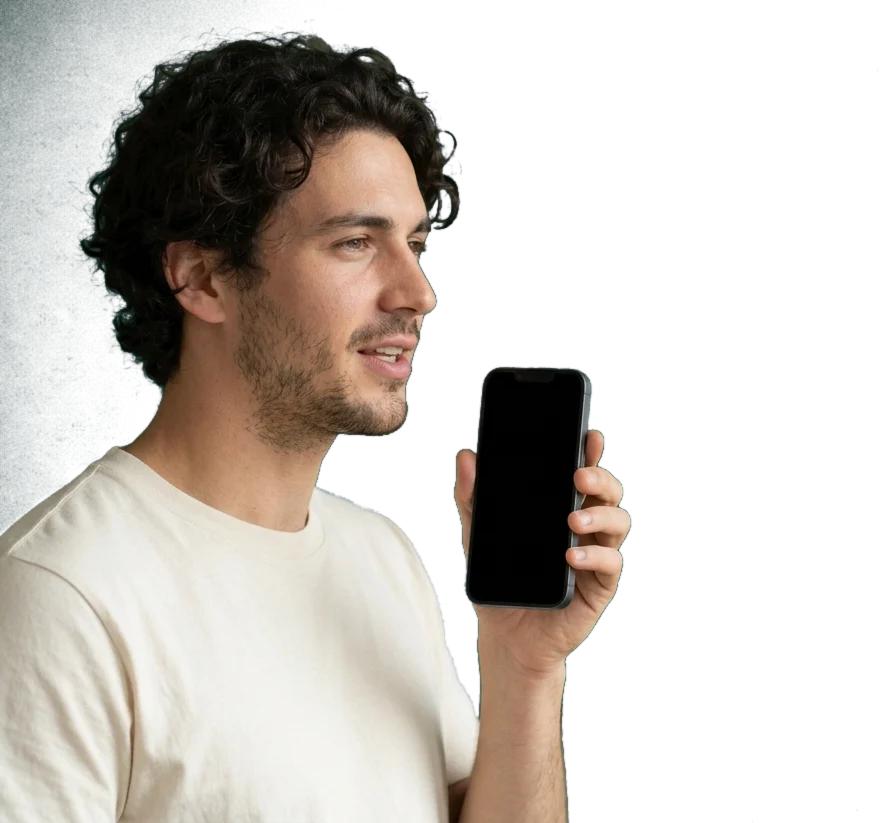
Typing needs both thumbs and your full attention. Talking doesn’t. Whisper on the train, talk with your hands full, or let Flustr take the minutes while the whole table speaks.




One download, then everything runs on your iPhone. No account, no email.
Turn on the Flustr keyboard once and dictate in WhatsApp, Mail and every other app.
Tap the mic on the Flustr keyboard. Flustr starts listening, you swipe back to your chat and just talk. Tap ✓ when you’re done.
Say what you mean in your language. Flustr writes a polished message or email in theirs, and shows you what it says.
Recordings and keyboard dictations, tagged as message or email, with your streak at the top.
Decisions, next steps and who does what, written for you after every recording.
Words dictated, speaking speed, time saved and a daily streak that can earn extra days of Pro.
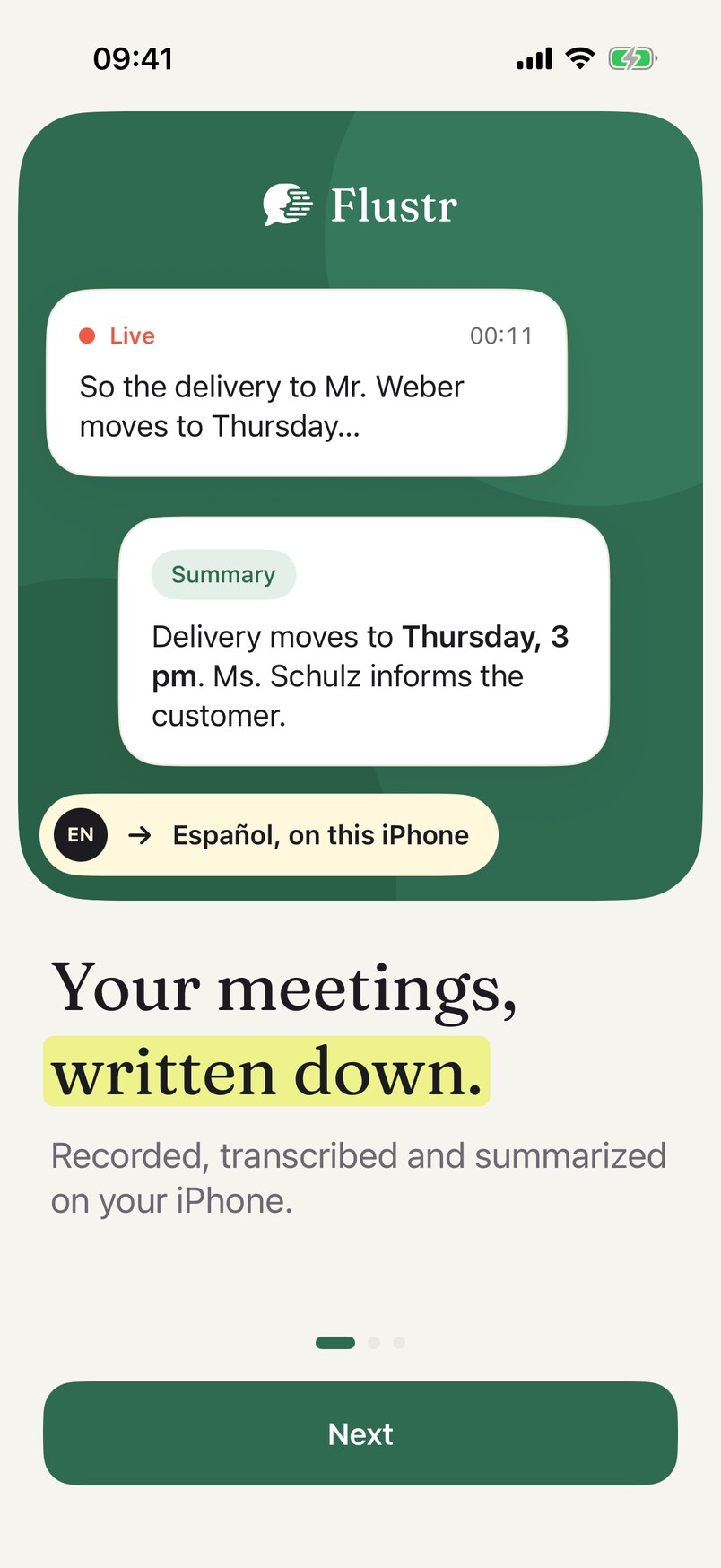
You don’t have to speak in finished sentences. Flustr drops the ums, keeps your correction, adds the punctuation, and can hand it over in another language.
so um can we move dinner to seven no wait eight? I’m uh stuck at the station.
¿Podemos pasar la cena a las ocho? Estoy atrapado en la estación.
Clean-up uses Apple Intelligence on iPhone 15 Pro and newer. On other iPhones you get the plain transcript.
A real-time voice translator inside your keyboard. Pick one of 20 languages and keep talking. Flustr translates on your iPhone while you speak, so the message is ready the moment you stop.
I’ll be there in ten minutes.
Llego en diez minutos.
Mail, WhatsApp, Notes, anywhere you type. Speak, and Flustr writes it clean, right on this iPhone. Casual in chats, with greeting and sign-off in email.
Record with the screen locked. Flustr labels each speaker and writes the summary, minutes and action items, then translates or exports them as PDF.
One keyboard for WhatsApp, Mail, Notes, Slack and anything else you type in.
Correct a word once. Flustr spells it your way from then on.
Speakers, a summary and action items from any recording.
Everything runs on your iPhone after a one-time download.
Every dictation saved on your iPhone, with words, speed and time saved.
Talk at the speed you think. Flustr turns it into clean text, in your language or theirs, while your thumbs rest.
Flustr: 127 words in 52 seconds on an iPhone 16 Pro, including the wait after speaking. Typing: the average phone typing speed of 37,000 people in a 2019 Aalto University study.
Speech recognition, clean-up and translation run on your iPhone. There is nothing to sign up for and none of your words stored on our side.
0bytes of your voice
leave this iPhone
| Your voice is uploaded | Never |
| Account needed | No |
| Works without internet | Yes |
| Translation happens | On the iPhone |
Airplane mode on. Flustr keeps working.
Flustr understands 99 languages, even mixed in one message.
Every iPhone 11 and newer
Voice typing, translation and meeting notes, with iOS 26 or later. iPad and Mac are not supported yet.
iPhone 15 Pro and newer
Only these models add the AI features: filler words removed, lists, polished emails and meeting summaries (Apple Intelligence). On every other iPhone you get the plain transcript and plain translation.
About 1 GB
A one-time download of the speech model (about 650 MB) plus 50–100 MB per translation language. Then everything works offline.
Every download starts with 7 days of unlimited Pro, no card needed. After that, Flustr stays free for 1,000 words a week.
$3.99/ month
Cancel anytime in your Apple ID settings.
$19.99/ year
$1.67 a month, less than half the monthly price.
$39.99once
Pay once and keep Flustr, including future updates.
Yes. After a one-time download of about 650 MB, speech recognition, clean-up and translation run on your iPhone. Try it in Airplane Mode.
Not yet. Flustr is for iPhone, iOS 26 or later.
Yes, by voice. Pick a language on the Flustr keyboard, speak in your own, and the translated text is typed into the chat, in WhatsApp, iMessage, Mail and every other app.
Flustr works on every iPhone 11 and newer with iOS 26 or later. The AI features (filler-word clean-up, lists, polished emails and meeting summaries) use Apple Intelligence and need iPhone 15 Pro or newer. On other iPhones you still get voice typing and translation, as plain text.
20: English, Spanish, German, French, Italian, Portuguese, Dutch, Polish, Russian, Ukrainian, Turkish, Arabic, Hindi, Japanese, Korean, Chinese (Simplified and Traditional), Thai, Vietnamese and Indonesian.
iOS only lets a keyboard talk to its own app with Full Access. Flustr uses it to hand your words from the app to the keyboard. Nothing is sent anywhere.
No. There is no sign-up and no email. Your purchase is tied to your Apple ID, so it moves with you to a new iPhone.
Apple’s dictation types what you say, word for word, in one language. Flustr removes filler words, fixes punctuation, makes lists, writes emails with greeting and sign-off, learns your names, and can send it in another language. It also turns meetings into minutes.
Yes. Flustr’s speech model was trained on many accents and languages, and it learns the names and terms you correct, so it gets better at your words the more you use it.
Talk normally. Flustr handles fast speech and pauses well; very loud places reduce accuracy, as with any microphone. You can pause the dictation and continue when it’s quieter.
About 1 GB: the speech model (around 650 MB, downloaded once) plus 50 to 100 MB for each translation language you add. Recordings use space until you delete them.
Seven days free. No account. Your words stay on your iPhone.
Download on theApp StoreFree